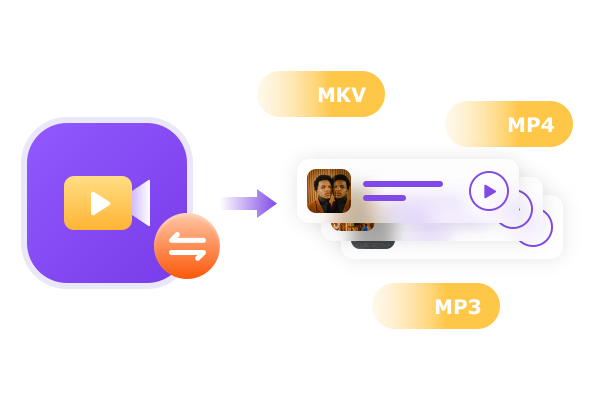
Convert Videos (up to 8K) or Audios between 1000+ Formats

Convert Videos (up to 8K) or Audios between 1000+ Formats

FabTech Video Converter can read the most popular formats for audios and videos downloaded from the Internet and digital camcorders as well as capture cards. It can convert to a variety of audio and video formats to work with all media players and mainstream devices, thanks to its extensive profile library, which is sorted by Format and Device.

3D, HEVC/H265, 8K, 4K, 10bit, 12bit, Passthrough, and more conversion profiles are all available to deliver high-quality conversion.
Freely Customize Audio & Video Parameters

Freely Customize Audio & Video Parameters

FabTech Video Converter provides you with the power to completely control the video output.
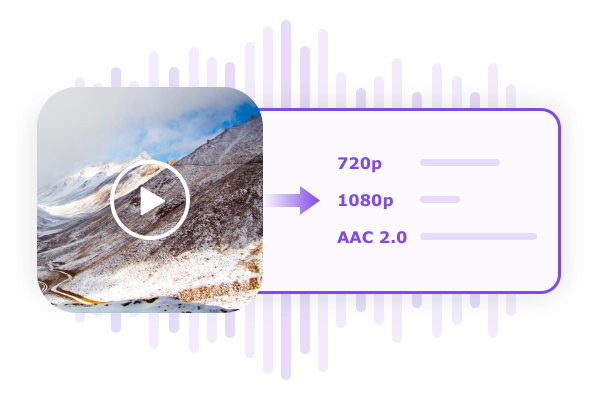
This downloader allows you to download videos in 720p or 1080p resolution and AAC 2.0 audio track. It’s up to you.
You can save the whole video, or just the part you require and the audio and subtitle streams can be completely at your disposal.
Advanced users or those who have more precise and higher quality demands the ability to modify the audio and video parameters by using various options.
Video can be compressed to the appropriate quality and size for playing back on mobile devices, or sharing on social networks such as YouTube.

All-New Bulit-in Non-Linear Video Editor

All-New Bulit-in Non-Linear Video Editor

The brand new non-linear editing feature lets you

Add an excellent intro/opener to present your video
IntroducE an outro with closing credits as well as Cast & Crew
Add subtitles and titles with effect or music background
Upload a custom-designed image to embellish or mark your video
Cut out unwanted portions and rotate video, remove unwanted clips from the video or join clips to create one
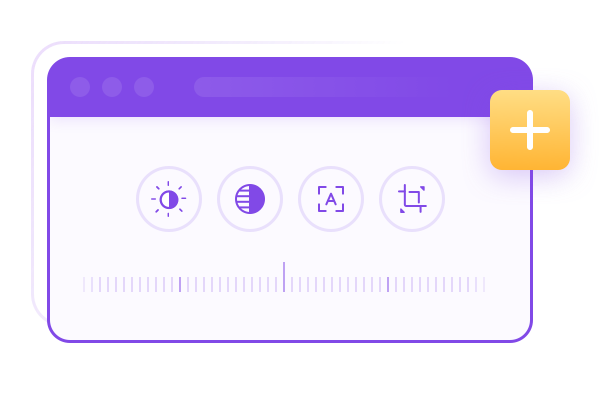
Adjust the brightness, contrast and saturation to improve the quality of your video These editing features can ensure that your video is appealing, professional and engaging.

Multiple H/W Technologies to Accelerate Conversion Speed

Multiple H/W Technologies to Accelerate Conversion Speed

The best video converter has been built with a simple and intuitive interface that aims to deliver the most user-friendly experience.

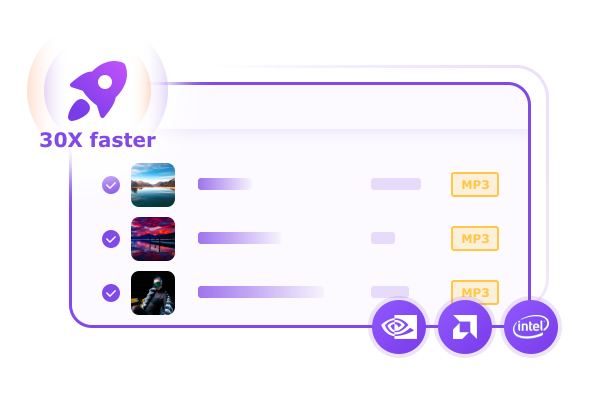
With the help of multi-threading, multicore, and the most up-to-date NVIDIA CUDA technology and Intel Quick Sync, FabTech Video Converter can handle any audio or video conversion task in a batch, at 30X faster than the normal speed, which can dramatically reduce your waiting time.

What Our Users Say

Emily

Emily

As a person who lives a richful personal life, the Creator products offered by FabTech help me better memorize all the highlights in my life, the travelling times, the hiking trips, etc. The results are excellent and top quality, especially those professional menu templates which look so amazing!

Starry

Starry

I have tons of old videos shot with my older cellphones and digital cameras which look amazing in the past on the devices of the old times, but now seem pretty shaky on modern smartphones, tablets and computer screens with higher resolutions. With the thelp of the AI products of FabTech, I managed to upscale those old videos to higher resolutions, like 720p, 1080p, or even 4K, and in the meantine, double its frame rate. They are now looking gorgeous again on my devices.

WiKi

WiKi

Sometimes you may find that you smartphone, tablet or computer cannot play certain video or audio files that you get from internet, or somewhere else. That is becuase the file format is not supported on your device, but with the help of the video converter software of FabTech, you can convert videos and audios of any known format to the format that is well-supported by your device. The conversion goes pretty fast, and it also supports batch-conversion as well. Very powerful audio & video converter!

How to use Video Converter?</br>

  1. Step 1
    1

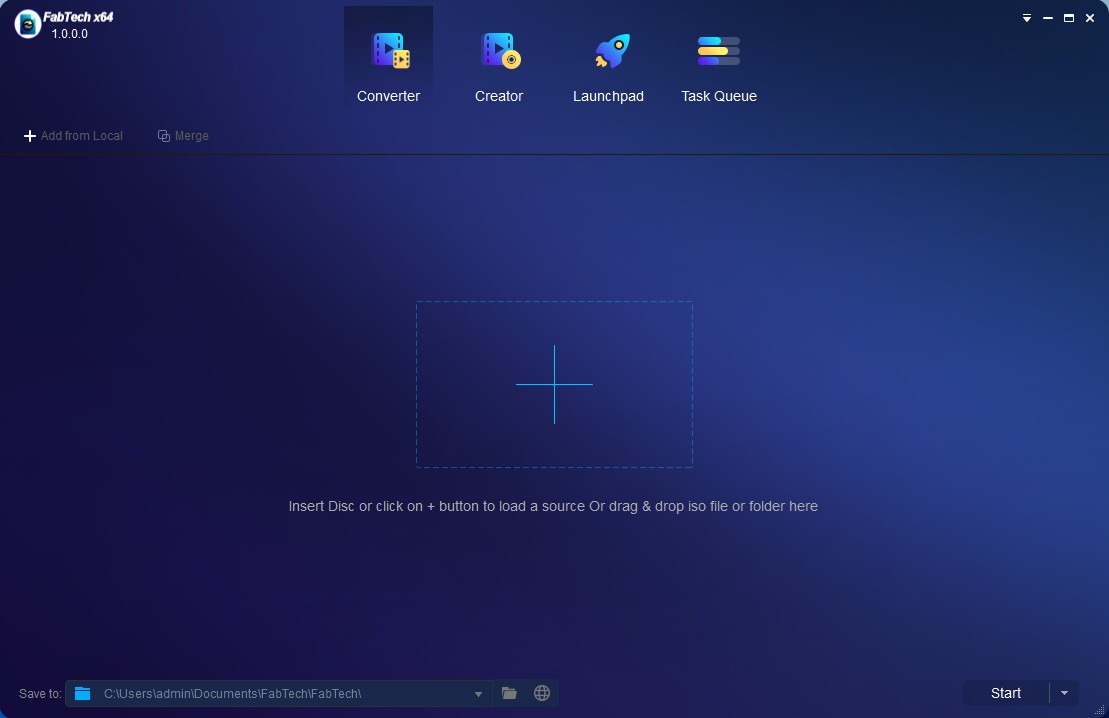
    Launch FabTech Video Converter and load the source

  2. Step 2
    2

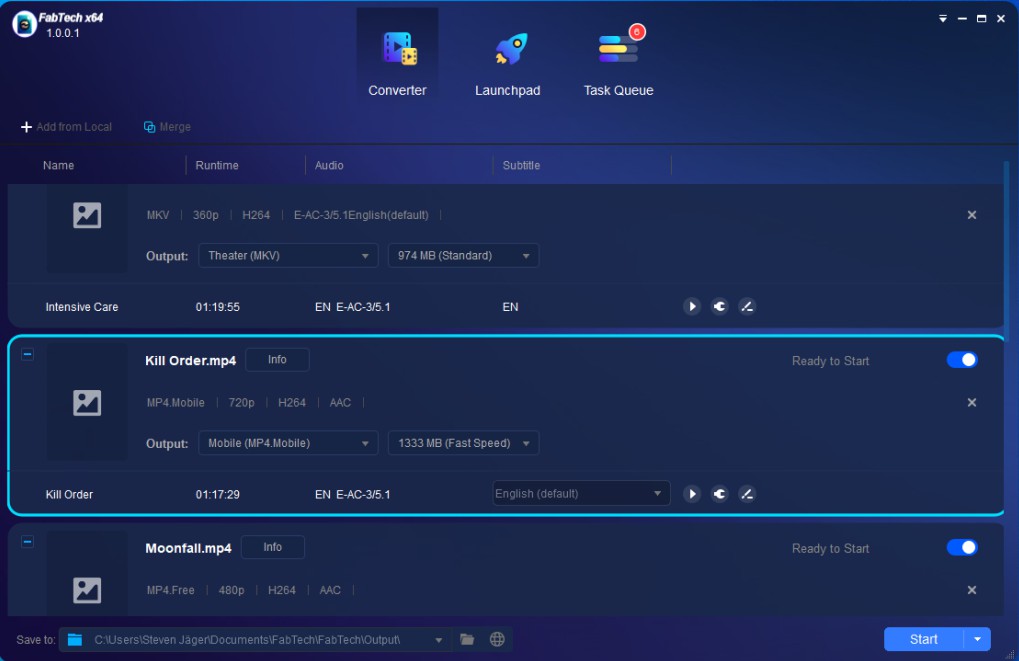
    Choose one profile and customize output video/audio

  3. Step 3
    3

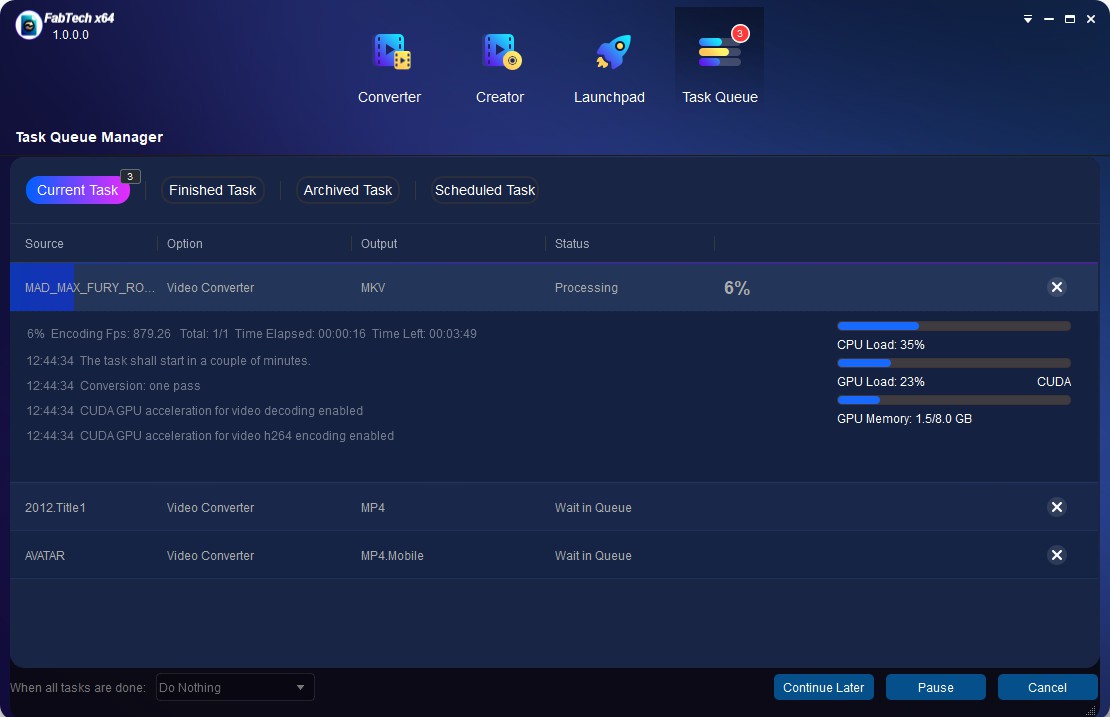
    Start to convert video

System Requirements

  • ★ Windows 11/10/8.1/8/7 (64-bit)
  • ★ Pentium II 500 MHz
  • ★ 2GB of RAM
  • ★ 10GB of free hard disc space
  • ★ Live Internet connection required to register FabTech (little network traffic used)