Combination Products

Video Converter
Convert videos and audios from one format to another. 1000+ formats supported.
Learn More
Video Converter Pro
Convert videos (up to 8K) and audios across 1000+ formats with built-in Enlarger AI for sharper, upscaled output.
Learn More
Video Converter Platinum
Convert between more than 1000 video and audio formats from one to another, a fusion of Video Converter, Enlarger AI and Smoother AI
Enjoy smooth playback on any device, media player, or home theatre
What Our Users Say

Emily
As a person who lives a richful personal life, the Creator products offered by FabTech help me better memorize all the highlights in my life, the travelling times, the hiking trips, etc. The results are excellent and top quality, especially those professional menu templates which look so amazing!
Emily
As a person who lives a richful personal life, the Creator products offered by FabTech help me better memorize all the highlights in my life, the travelling times, the hiking trips, etc. The results are excellent and top quality, especially those professional menu templates which look so amazing!

Starry
I have tons of old videos shot with my older cellphones and digital cameras which look amazing in the past on the devices of the old times, but now seem pretty shaky on modern smartphones, tablets and computer screens with higher resolutions. With the thelp of the AI products of FabTech, I managed to upscale those old videos to higher resolutions, like 720p, 1080p, or even 4K, and in the meantine, double its frame rate. They are now looking gorgeous again on my devices.

WiKi
Sometimes you may find that you smartphone, tablet or computer cannot play certain video or audio files that you get from internet, or somewhere else. That is becuase the file format is not supported on your device, but with the help of the video converter software of FabTech, you can convert videos and audios of any known format to the format that is well-supported by your device. The conversion goes pretty fast, and it also supports batch-conversion as well. Very powerful audio & video converter!
How to use Video Converter Gold?</br>
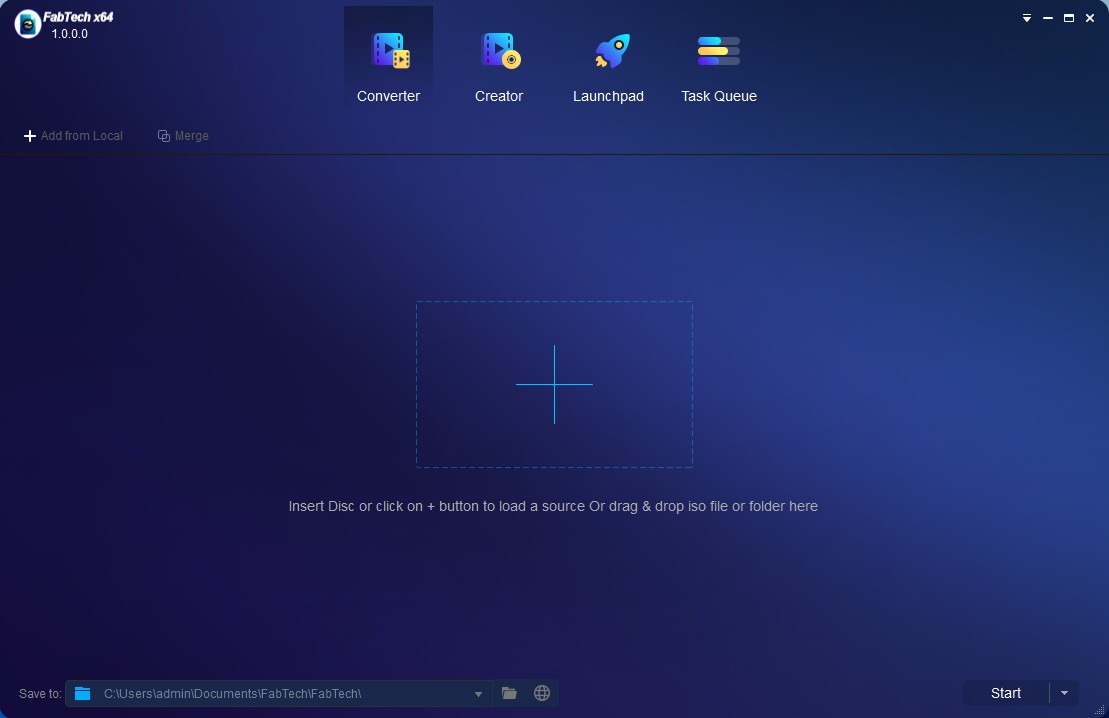 1
1Launch FabTech Video Converter Gold and load the source
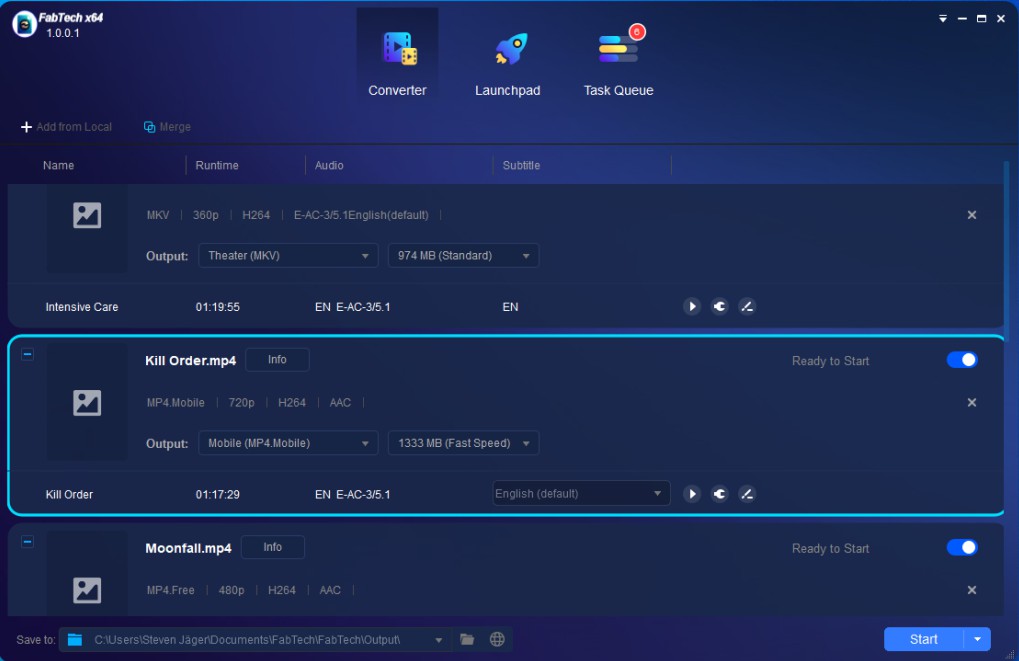 2
2Choose one profile and customize output video/audio
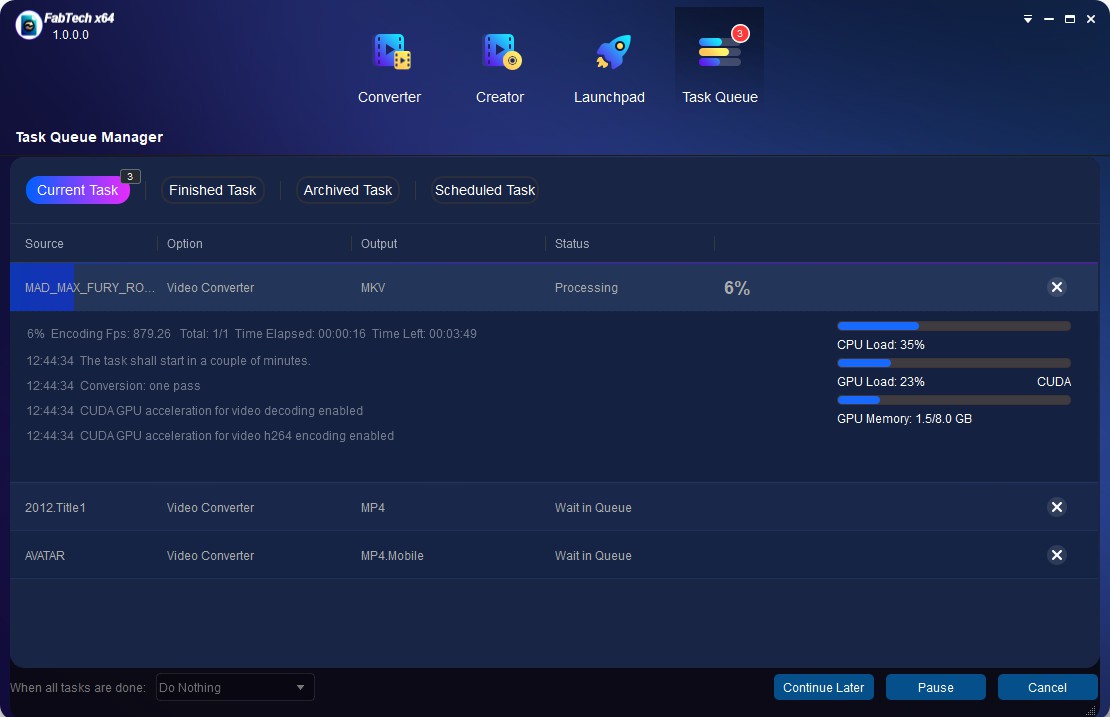 3
3Start to convert video
System Requirements
- ★ Windows 11/10/8.1/8/7 (64-bit)
- ★ Pentium II 500 MHz
- ★ 2GB of RAM
- ★ 10GB of free hard disc space
- ★ Live Internet connection required to register FabTech (little network traffic used)